
| Budget Planner Help | Index |
|
Preferences |
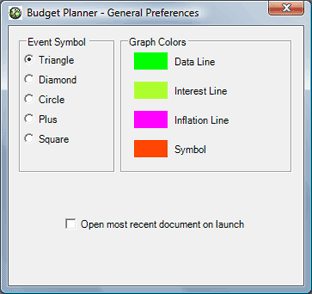
To set your preferences use the Budget Planner > Preferences... menu command. Choose the particular set of preferences you'd like to see using the icons. You can also drag frequently used icons into and out of the toolbar.
Use the "Registration" pane to set or view your registration information. See the Registration topic for more information.